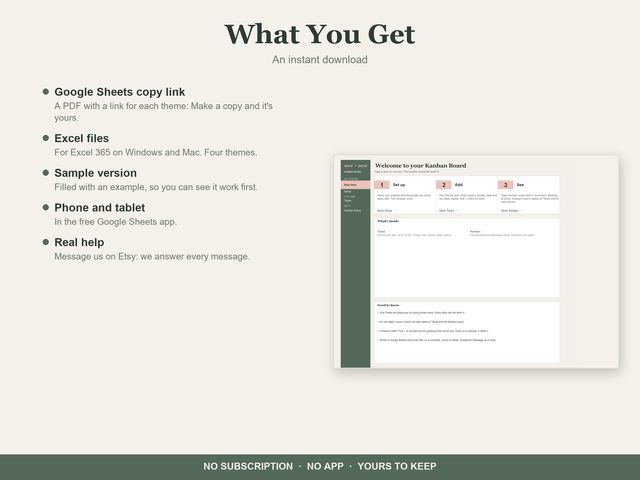
Kanban Board
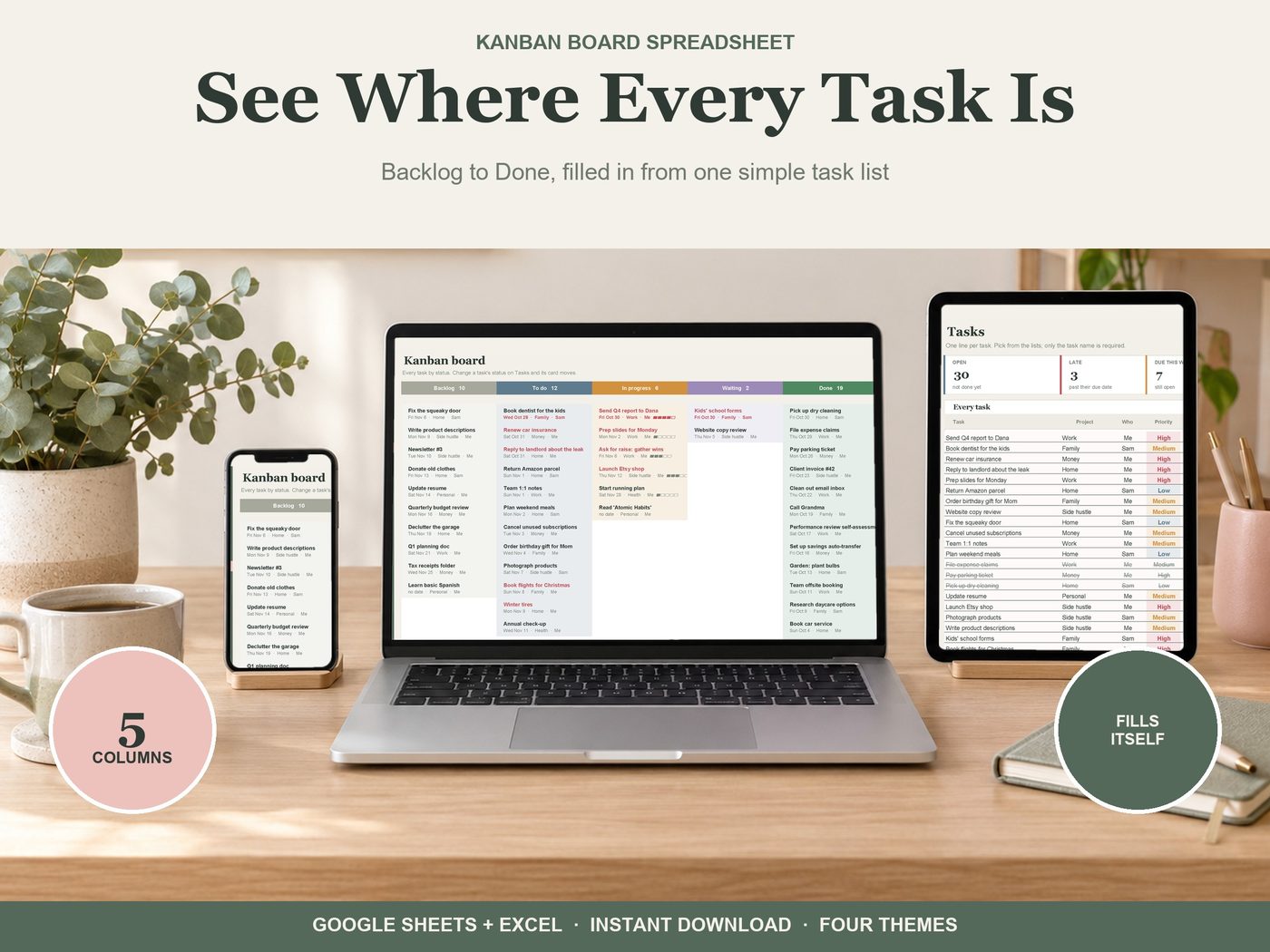
Type each task on one line. The board fills itself in. Works in Google Sheets (free) and Excel 365.
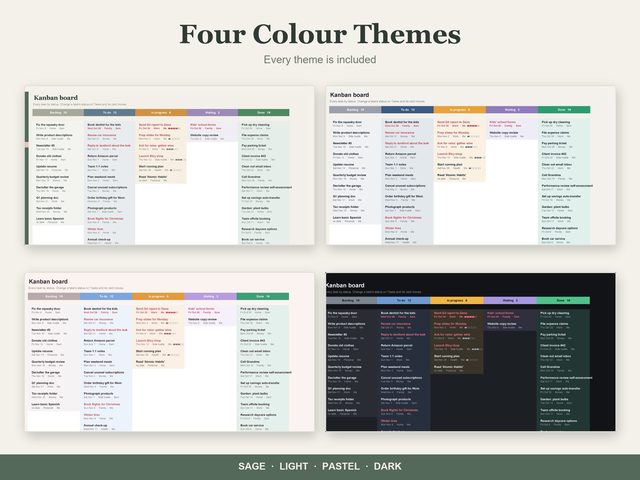
Get it on EtsyGoogle Sheets (free) and Excel 365 · Four themes · Instant download · Works on phone and tablet in the Google Sheets app
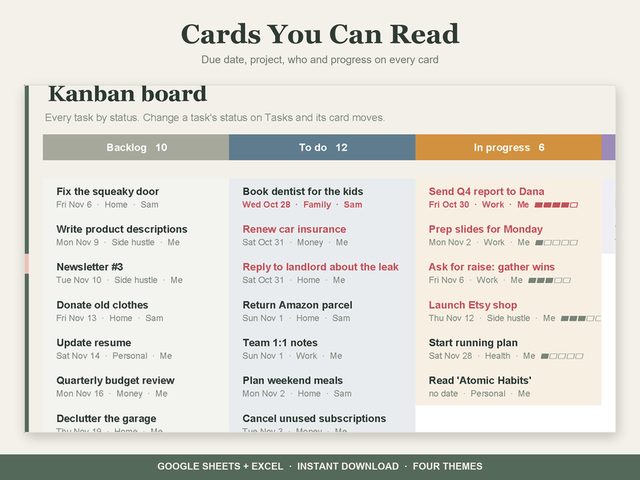
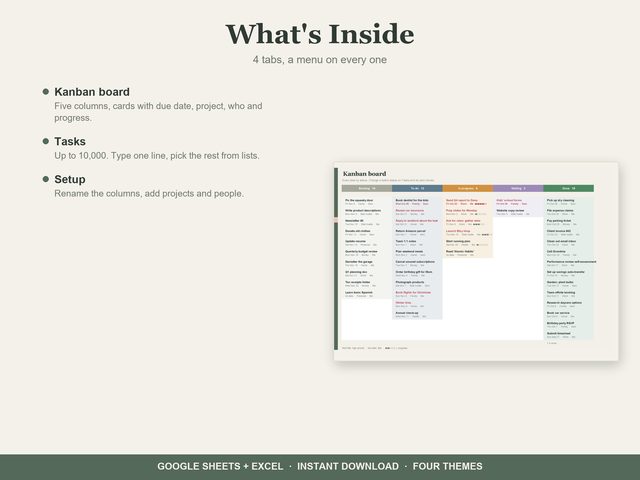
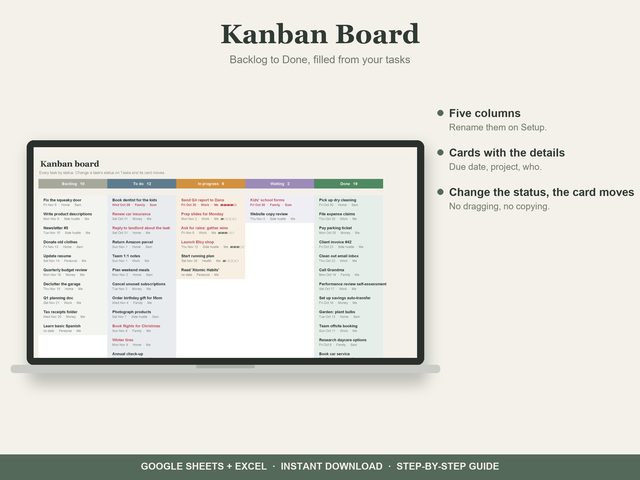
- Kanban board: five columns from Backlog to Done (rename them on Setup). Each card shows the due date, project, person and a progress bar; high priority in red, late dates in red
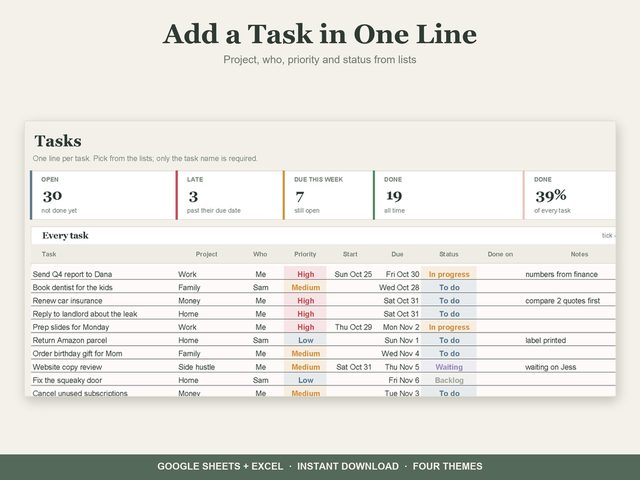
- Change a task's status on Tasks and its card moves: no dragging, no copying
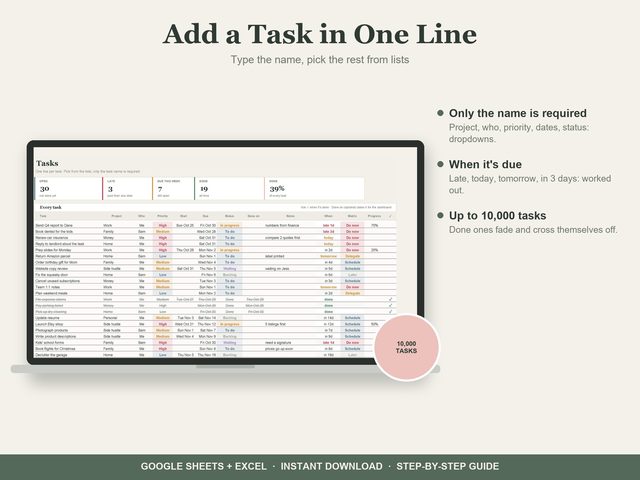
- Tasks: up to 10,000, one line each. Project, who, priority, start, due and status are dropdowns
- Setup: your projects, people and column names
How you get it
1Buy on Etsy
Checkout, receipts and reviews stay on Etsy. Your download is ready right after you pay.
2Make your copy
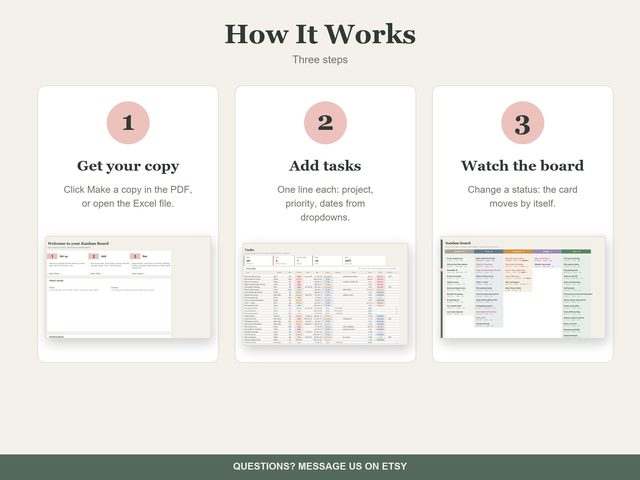
Open the PDF, click a theme's link, then Make a copy. It's yours in your own Google Drive. Prefer Excel? The Excel files are in the download too.
3Type, and watch it fill in
Enter your numbers once. Dashboards, charts and totals work themselves out.
More like this
Planners and Trackers
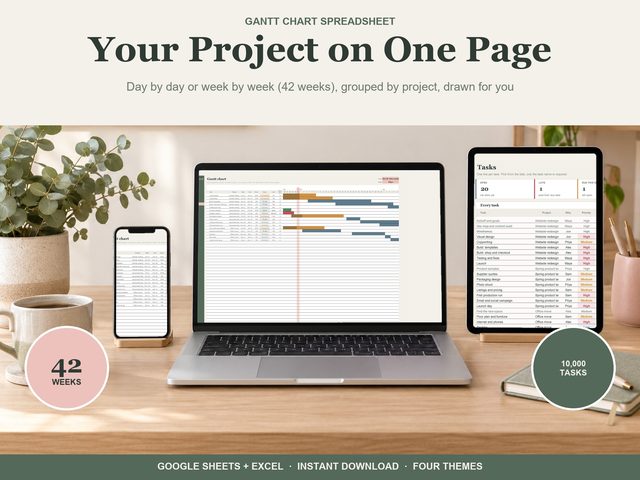 Gantt Chart
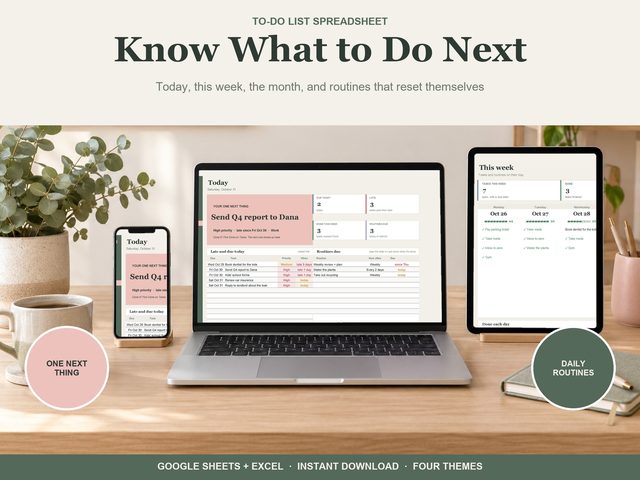 To-Do List